
 Κατάστημα
 Σπίτι και κήπος
 Ηλεκτρονική
 Αξεσουάρ αυτοκινήτων
 Υγεία και ομορφιά
 Για παιδιά
 Προμήθειες κατοικίδιων ζώων
 Αθλητισμός και χόμπι
 Μόδα
Μόδα



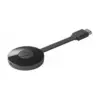
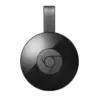


Σύστημα Στριμινγκ Google Chromecast 4K Media Player - StreamingSystem
Περιγραφή
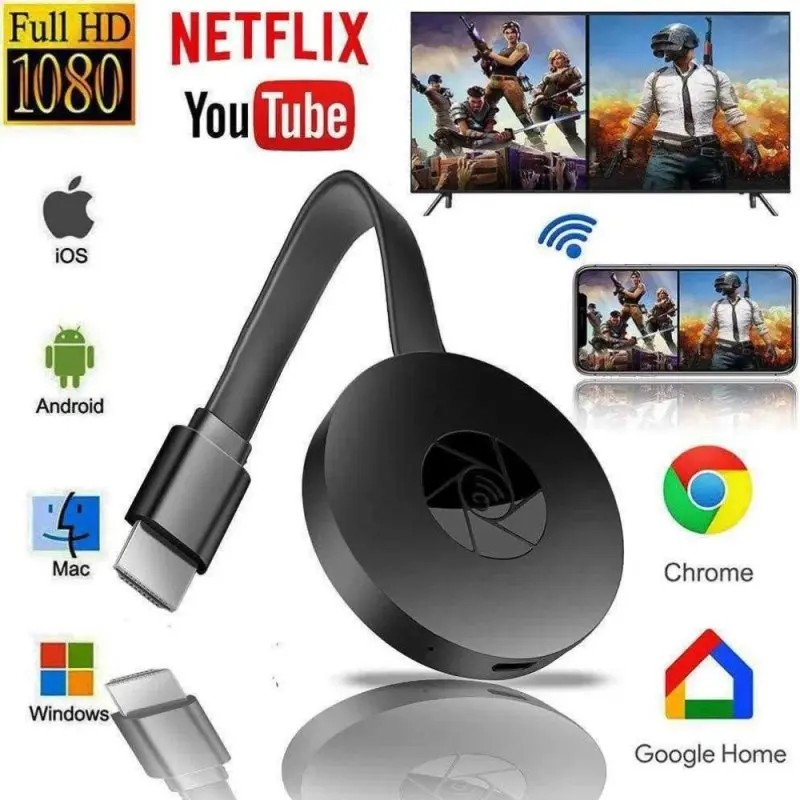
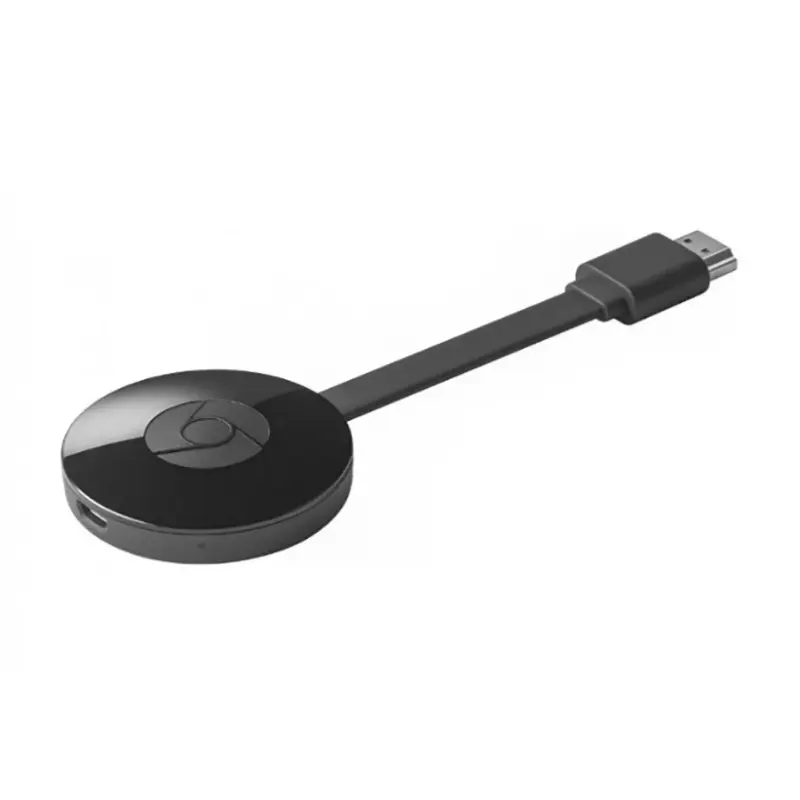
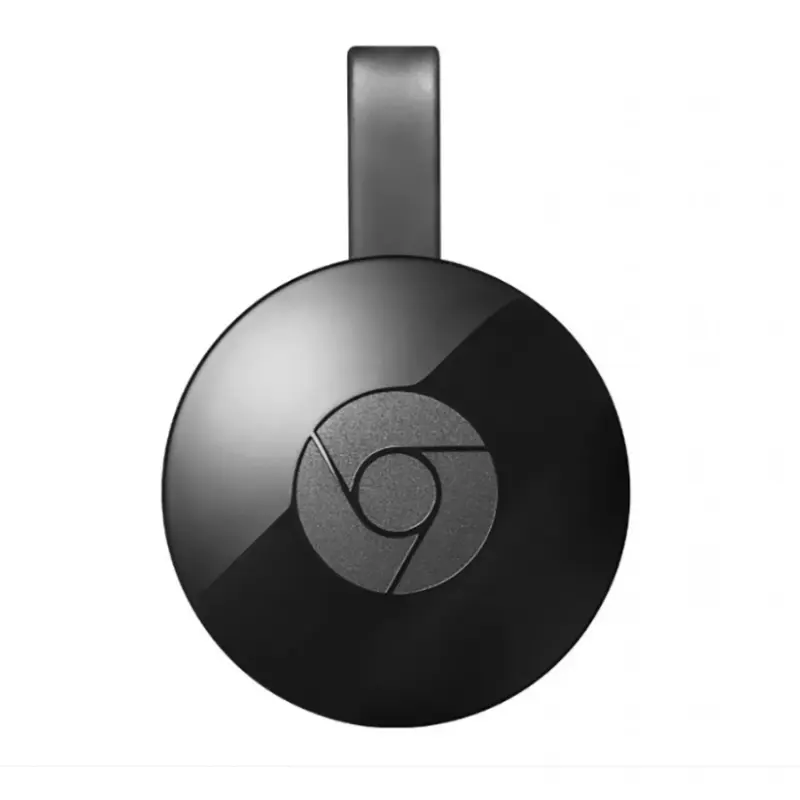
Αυτό το σύστημα streaming Google Chromecast μετατρέπει κάθε τηλεόραση με θύρα HDMI σε μια ισχυρή έξυπνη τηλεόραση, παρέχοντάς σας πρόσβαση σε μια μεγάλη ποικιλία περιεχομένου σε ανάλυση 4K.
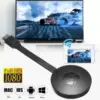
Η ρύθμιση του Chromecast είναι εξαιρετικά εύκολη. Απλώς συνδέστε τη συσκευή στην θύρα HDMI της τηλεόρασης, συνδεθείτε στο δίκτυο Wi-Fi και ακολουθήστε τις οδηγίες που εμφανίζονται στην οθόνη.
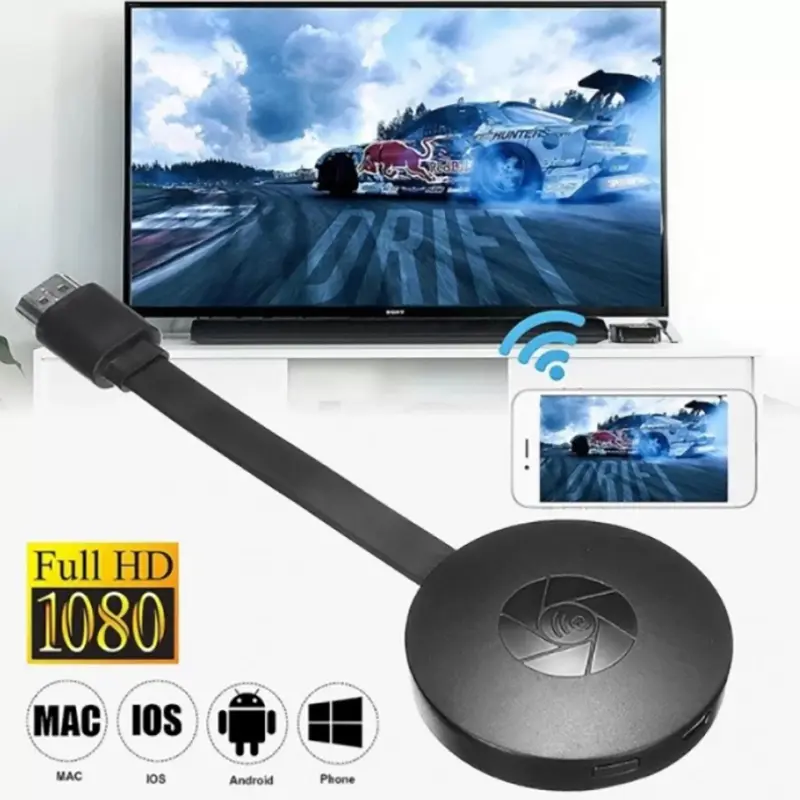
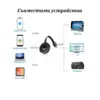
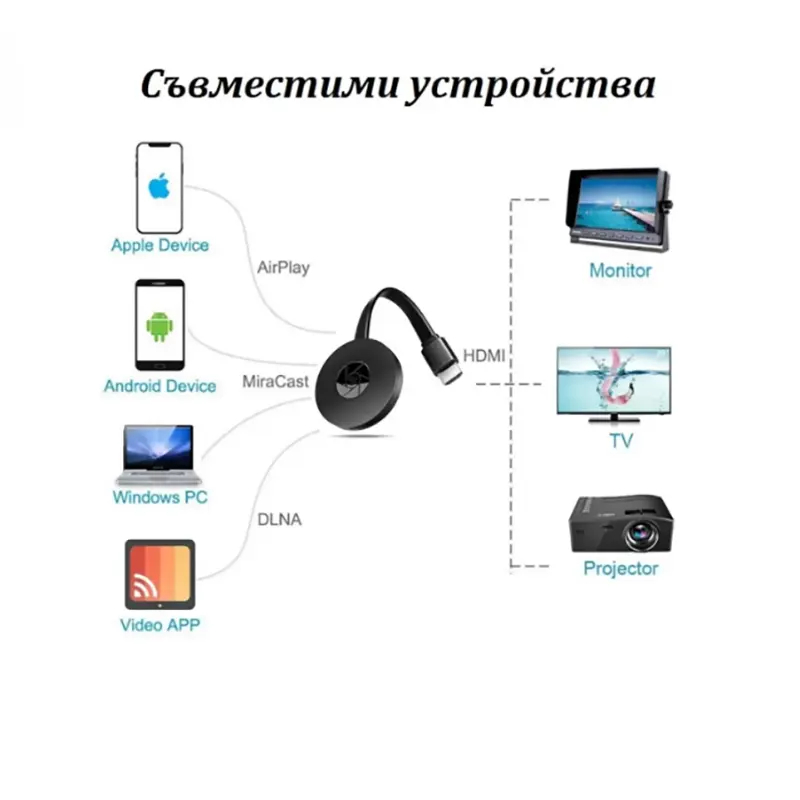
Με αυτό το σύστημα streaming, μπορείτε να συνδέσετε το smartphone, το laptop ή τον υπολογιστή σας στην τηλεόραση και να απολαύσετε τις αγαπημένες σας ταινίες, σειρές, αθλήματα, παιχνίδια και πολλά άλλα.
Το σύστημα είναι συμβατό με iPhone, iPad®, τηλέφωνα και ταμπλέτες Android, Mac®, φορητούς υπολογιστές Windows και Chromebooks. Ο συμπαγής σχεδιασμός του Chromecast το καθιστά εύκολο στη μεταφορά και χρήση σε διάφορους χώρους ή ακόμη και ενώ ταξιδεύετε.
Το Google Chromecast 4K Media Player είναι η ιδανική λύση για όποιον θέλει να μετατρέψει την κανονική του τηλεόραση σε έξυπνη συσκευή με δυνατότητες streaming υψηλής ποιότητας. Είναι μία επένδυση που θα σας προσφέρει ώρες ψυχαγωγίας και άνεσης στο σπίτι.
Προδιαγραφές
-
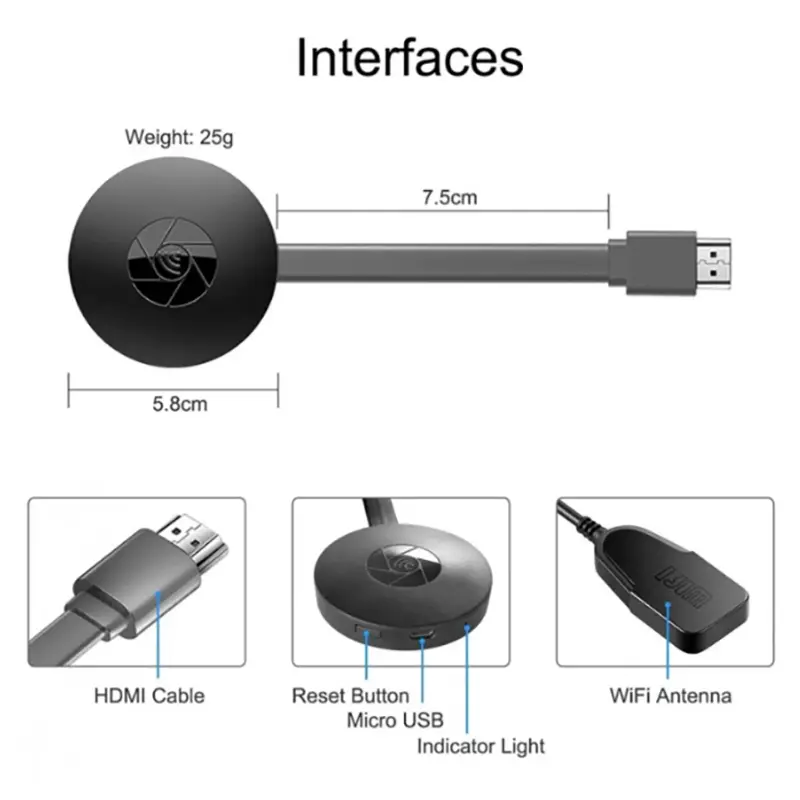
Συνδεσιμότητα: HDMI, Wi-Fi
-
Συμβατά λειτουργικά συστήματα: Android / iOS / Windows / Mac OS
-
Θύρες: USB 2.0 / HDMI
-
Χαρακτηριστικά: Έξυπνο, Full HD
-
Μορφές Βίντεο: AVI, FLV, MP4, H.264, DIVD / DIVX, Real8 / 9/10, VC-1, MPEG-2, MPEG-4, RM, RMVB και άλλες
-
Μορφές Ήχου: MP1, MP2, MP3, WMA, RA, WAV, FLAC, APE, OGG, AAC, M4A, AC3, AMR και άλλες
-
Μορφές Φωτογραφιών: Όλες
-
Υποτίτλοι: Ναι
Πληροφορίες
Εγκατάσταση:
-
Συνδέστε το σύστημα streaming στην είσοδο HDMI της τηλεόρασης.
-
Ανοίξτε την τηλεόραση και ρυθμίστε την πηγή εισόδου σε HDMI.
-
Συνδέστε το σύστημα streaming στην πηγή τροφοδοσίας (μπορείτε να χρησιμοποιήσετε τη θύρα USB της τηλεόρασης).




3 κριτικές για Σύστημα Στριμινγκ Google Chromecast 4K Media Player – StreamingSystem